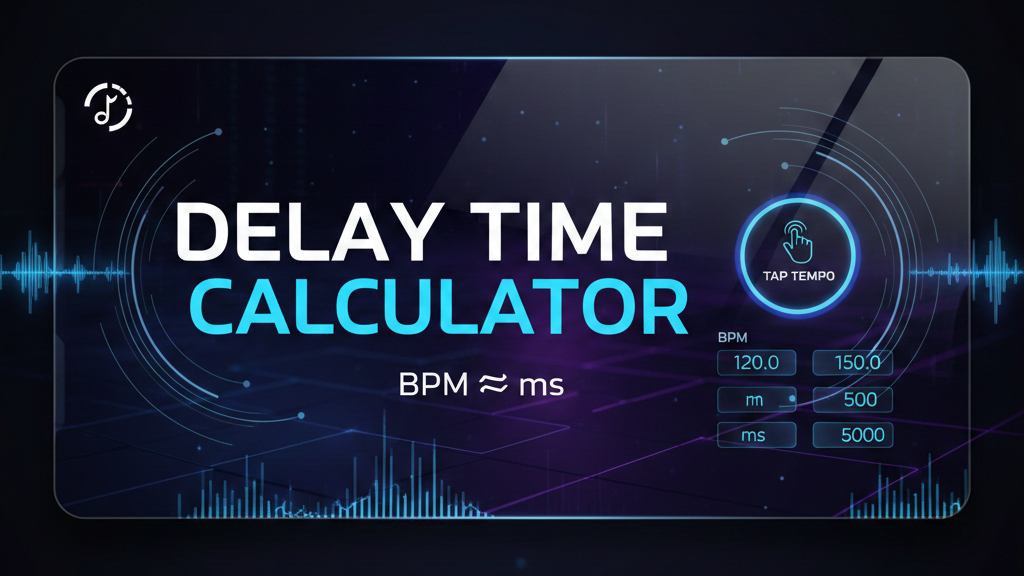
Modern delay pedals often include BPM sync or tap tempo, but many musicians still struggle to set delay times accurately—especially when working with live bands, backing tracks, or loop-based performances. Understanding the relationship between BPM (beats per minute) and delay time in milliseconds is essential for achieving tight, musical echoes that sit perfectly in the groove.
This delay time calculator allows you to quickly convert BPM to milliseconds, calculate rhythmic subdivisions, or use tap tempo directly on your phone or computer. It’s designed for guitarists, violinists, producers, and live performers who need fast and reliable delay settings without guesswork.
Delay BPM ⇄ ms
WHY THIS DELAY CALCULATOR IS USEFUL
Many multi-effects units and compact pedals do not include a tap tempo function or BPM display. In those cases, musicians are forced to rely on trial and error when setting delay time—often resulting in echoes that feel rushed, late, or disconnected from the rhythm.
For example, pedals like the Zoom A1X Four or compact units such as the Sonicake Pocket Master require you to dial in delay time manually using milliseconds. This calculator bridges that gap by giving you precise values that you can instantly apply to any pedal, rack unit, or plugin, even if it doesn’t support tempo syncing.
PRACTICAL USE CASES FOR MUSICIANS
This tool is especially helpful in live performance and rehearsal situations. You can tap the tempo of a drummer or backing track, get the exact BPM, and immediately translate it into milliseconds for your delay pedal. The rhythmic table below the calculator also lets you experiment with eighth notes, triplets, dotted quarters, and half notes, opening up creative delay patterns without complex calculations.
Whether you play guitar, electric violin, synths, or use live looping, having quick access to accurate delay times improves timing, clarity, and musicality. It’s also a great learning tool for understanding how rhythmic subdivisions affect the feel of your delay sound.
Frequently Asked Questions
What is delay time in milliseconds?
Delay time in milliseconds defines how long it takes for the delayed signal to repeat after the original sound. When synchronized correctly to the song’s tempo, delay repeats feel musical and rhythmically tight.
How do I convert BPM to delay time?
To calculate delay time for a quarter note, divide 60,000 by the BPM. For example, at 120 BPM, the delay time is 500 ms. This calculator performs that conversion automatically.
What if my delay pedal doesn’t have tap tempo?
If your pedal does not include tap tempo or BPM sync, you can use this calculator to find the correct millisecond value and manually dial it in. This is common with compact multi-effects and budget pedals.
What are dotted and triplet delay times?
Dotted and triplet delays are rhythmic variations of the main beat. A dotted quarter delay creates a wide, syncopated feel, while triplet delays are often used for shuffle or swing-based grooves. This calculator shows all values instantly.
Can I use this calculator for live performances?
Yes. The tap tempo button is optimized for mobile devices, making it ideal for rehearsals and live situations where you need to match the tempo quickly and accurately.


